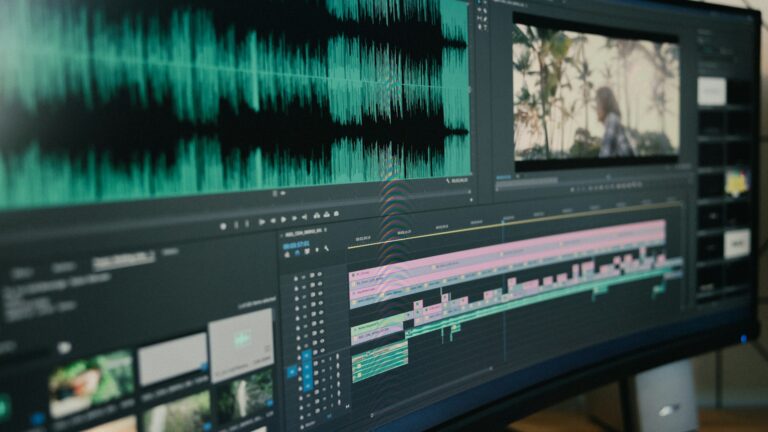
In the fast-paced world of content creation, efficiency is key, especially when it comes to post-production editing. Whether you’re working on a video project, podcast, or written content, streamlining your editing process can save you valuable time and ensure a polished final product. In this post, we’ll explore seven time-saving editing hacks to enhance your post-production workflow.
1. Create a Detailed Editing Plan
Before diving into the editing process, take a moment to outline a detailed plan. Identify the key elements you need to address, such as trimming unnecessary content, enhancing audio quality, or refining written copy. Having a roadmap ensures you stay focused and avoid getting lost in the editing rabbit hole. This preliminary step can significantly reduce the time spent on unnecessary revisions later.
2. Utilize Keyboard Shortcuts
Time is of the essence during post-production, and one effective way to save it is by mastering keyboard shortcuts. Most editing software provides a plethora of shortcuts to navigate, cut, paste, and manipulate your content quickly. Invest time in learning and customizing shortcuts based on your preferences. The small investment in learning shortcuts upfront will pay off exponentially in the long run by making your editing process smoother and more efficient.
3. Batch Processing for Consistency
If you’re dealing with multiple files or episodes, consider batch processing similar elements to maintain consistency throughout your project. Apply the same color correction settings, audio enhancements, or text formatting across the board. This not only ensures a cohesive final product but also saves you from repeating the same steps for each individual piece, allowing you to focus on more intricate details.
4. Use Templates and Presets
Take advantage of templates and presets in your editing software. Create reusable templates for common elements such as intro sequences, lower thirds, or transitions. For audio editing, develop presets for noise reduction, equalization, and compression. Templates and presets provide a starting point, reducing the time spent on repetitive tasks and giving you a consistent baseline to work from.
5. Employ Collaboration Tools
If you’re working on a project with multiple collaborators, embrace collaboration tools to streamline communication and feedback. Cloud-based platforms like Google Drive or Dropbox allow real-time sharing of files, making it easier for team members to review and provide input. Platforms like Frame.io or Wipster offer features specifically designed for video collaboration, enabling seamless feedback and revision processes. Efficient collaboration ensures a smoother post-production workflow, eliminating unnecessary back-and-forth.
6. Invest in High-Quality Stock Assets
To save time on creating certain elements from scratch, consider investing in high-quality stock assets. Whether it’s royalty-free music, pre-designed graphics, or stock footage, having a library of ready-to-use elements can significantly speed up the editing process. This is particularly useful when working on tight deadlines or projects with limited resources.
7. Regularly Update Your Software
Software developers frequently release updates that include bug fixes, performance improvements, and new features. Keeping your editing software up to date ensures you have access to the latest tools and optimizations. Updated software tends to run more smoothly, reducing the risk of crashes or glitches that could derail your post-production workflow. Set aside time for regular updates to benefit from the advancements that can enhance your editing efficiency.
Conclusion
Efficient post-production editing is not just about speed but also about delivering high-quality content within deadlines. By implementing these seven time-saving editing hacks, you can optimize your workflow, minimize repetitive tasks, and focus on the creative aspects of your projects. Remember, a well-organized and streamlined editing process not only saves time but also contributes to the overall quality and impact of your final product.